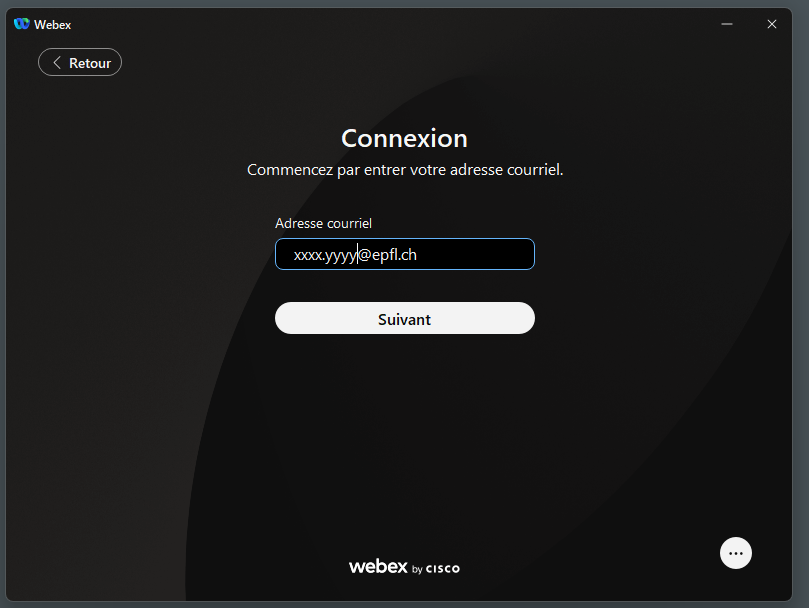
- When you open the application, use your EPFL e-mail address and your Entra password to log in.
 .
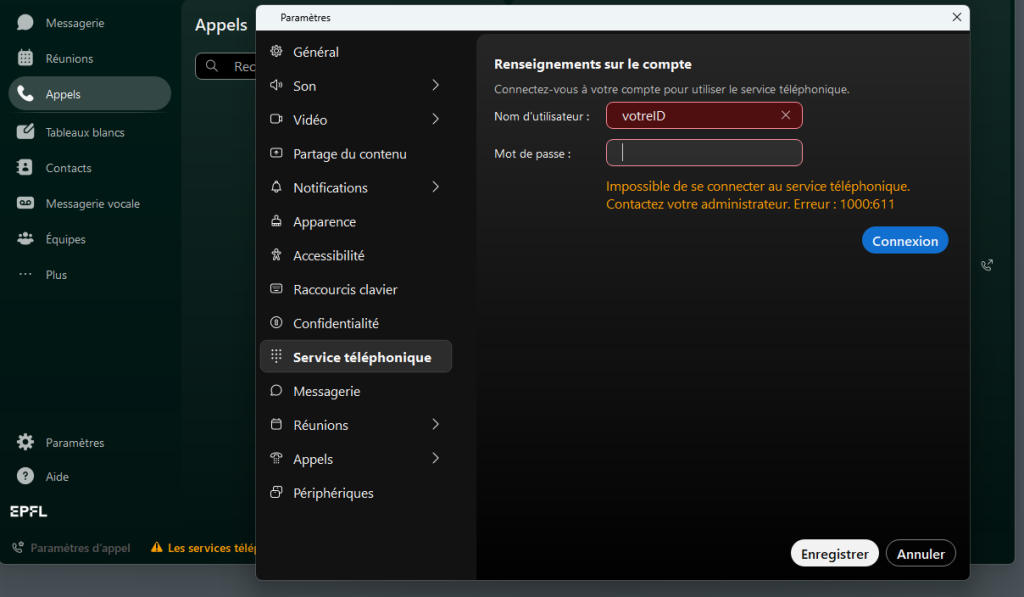
. - Once you are in the application, the system prompts you to activate your phone line using your ID and password.
.
If the system does not offer you this option, you can do so by going directly to the option in Settings -> Telephone service.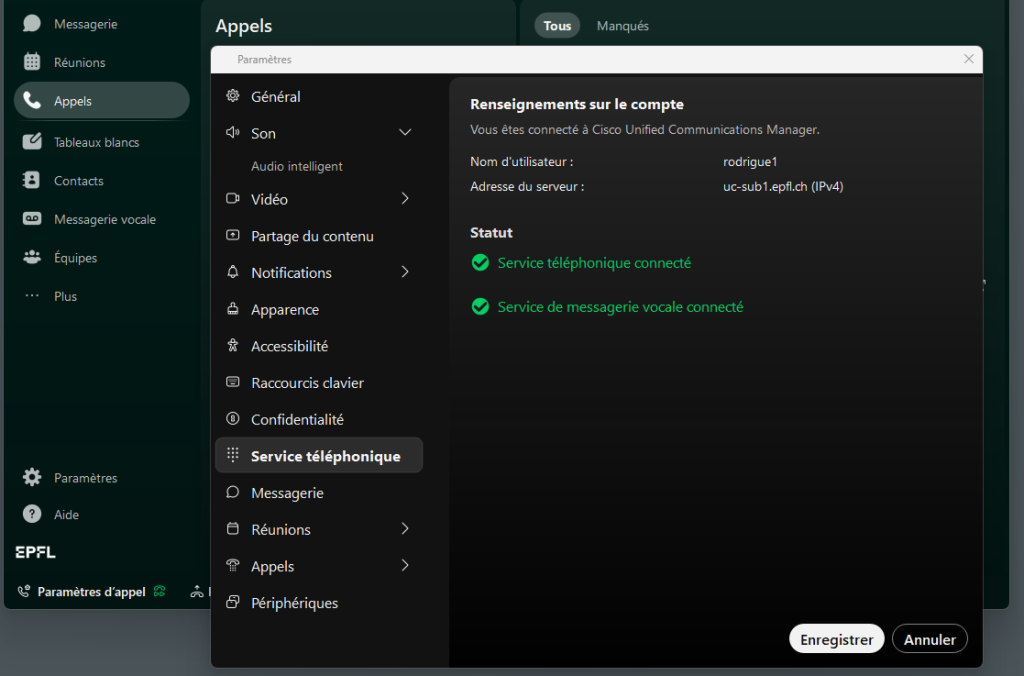
The phone connection will remain active, even if you close the application, as long as your profile is connected to the device. - If you are also using Jabber, the first of the two active programs will inherit the telephone line. You can always switch the line from one to the other.
- On Webex, click on the reconnect option (in orange) and then connect.
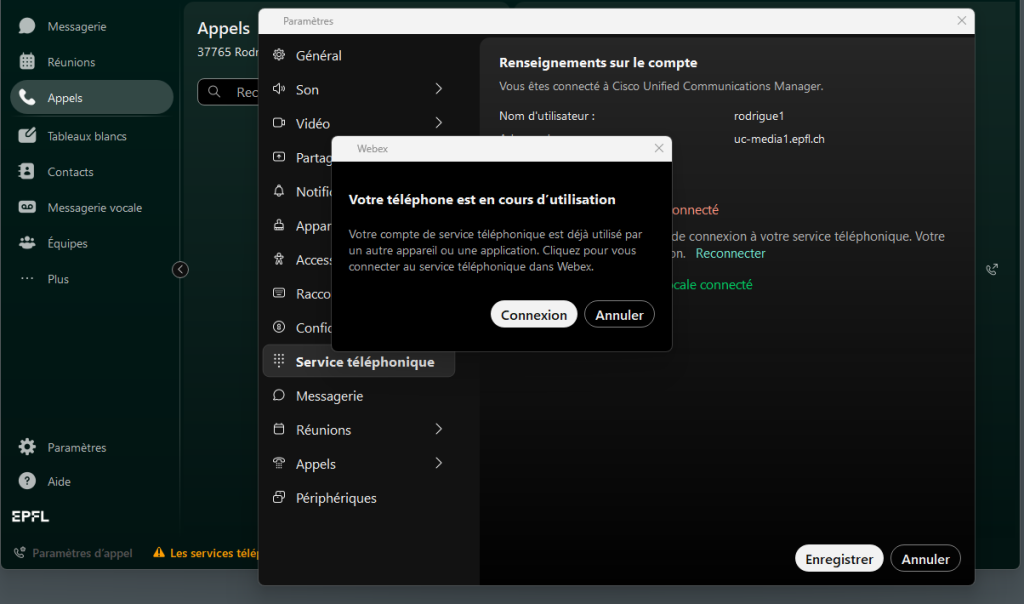
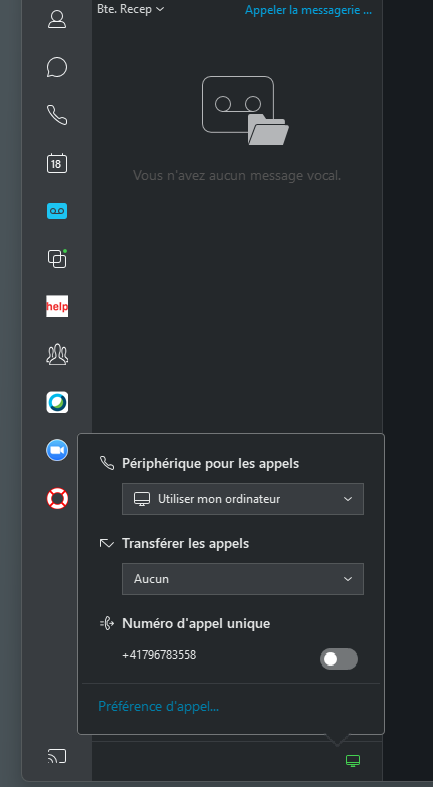
. - On Jabber, choose the calling device and it will offer to switch the telephone line.
.
- On Webex, click on the reconnect option (in orange) and then connect.